


Analytics & Monitoring
The Juspay Transactions Analytics dashboard can be utilized to view the traffic volume and success rate of transactions that were processed through EMI flow.
Use the filter EMI Type with values as STANDARD_EMI /JUSPAY_NO_COST_EMI / JUSPAY_LOW_COST_EMI to check for the EMI transactions traffic and the performance.
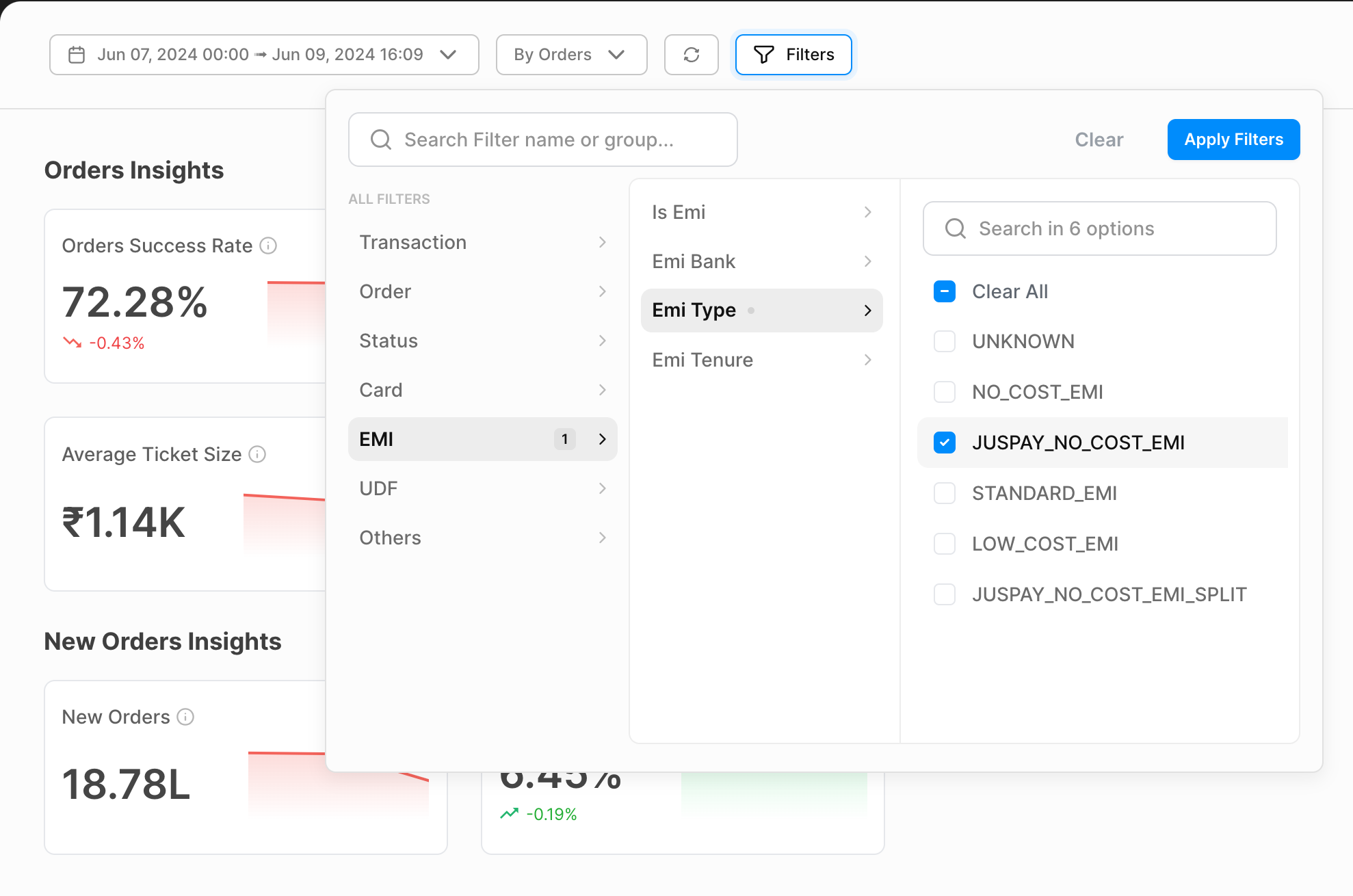
Filters can be applied on
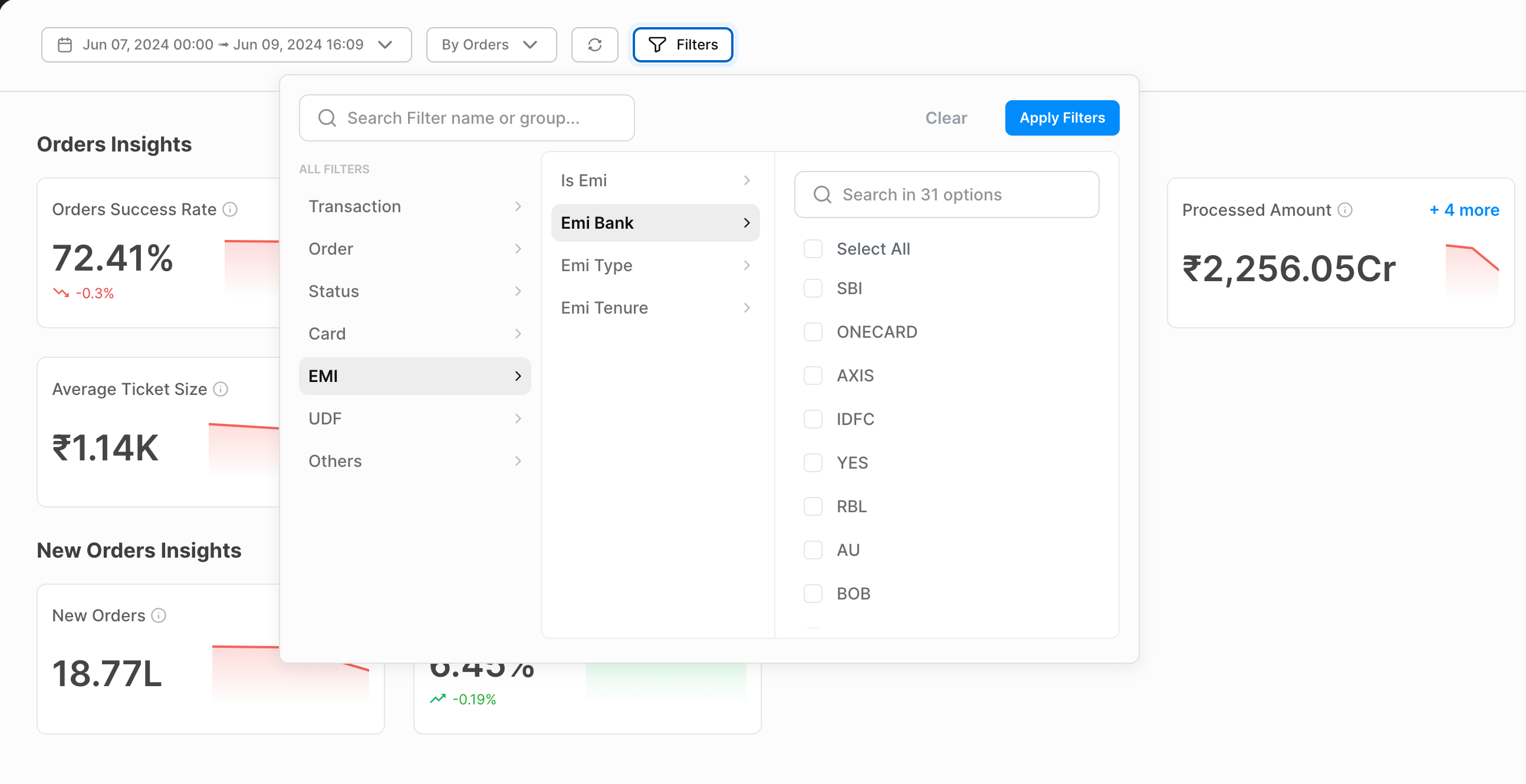
EMI TenureandEMI Bankto monitor the tenure wise and bank wise EMI performance.emi_tenure - Tenure corresponding to the EMI plan selected
emi_bank - Bank code corresponding to the EMI plan selected
- Have questions?
- Need help? Contact support
- LLM? Read llms.txt
