


Simplify Your Login Experience
We have introduced two new streamlined login options for enhanced security and convenience. Users can now choose between Google Sign-In or an email-based login.
Previously, our login system relied on usernames, passwords, and 2FA, but for those with Google-linked emails, we recommend transitioning to Google Sign-In. This option simplifies the process by linking all your dashboard accounts under one Google login, offering a faster and more secure experience.
For those who prefer not to use Google Sign-In, our email-based login still provides robust security with password and 2FA protection.
Key benefits:
No more managing multiple usernames, passwords, or separate 2FA for each account.
A single Google login and 2FA gives you access to all your accounts, making login faster, easier, and more secure.
Enhanced convenience and best-in-class security—your login experience is now as simple as it gets!
If you are a user with multiple accounts, you can easily switch between merchants from the "My profile section". This allows seamless access to different merchant views.
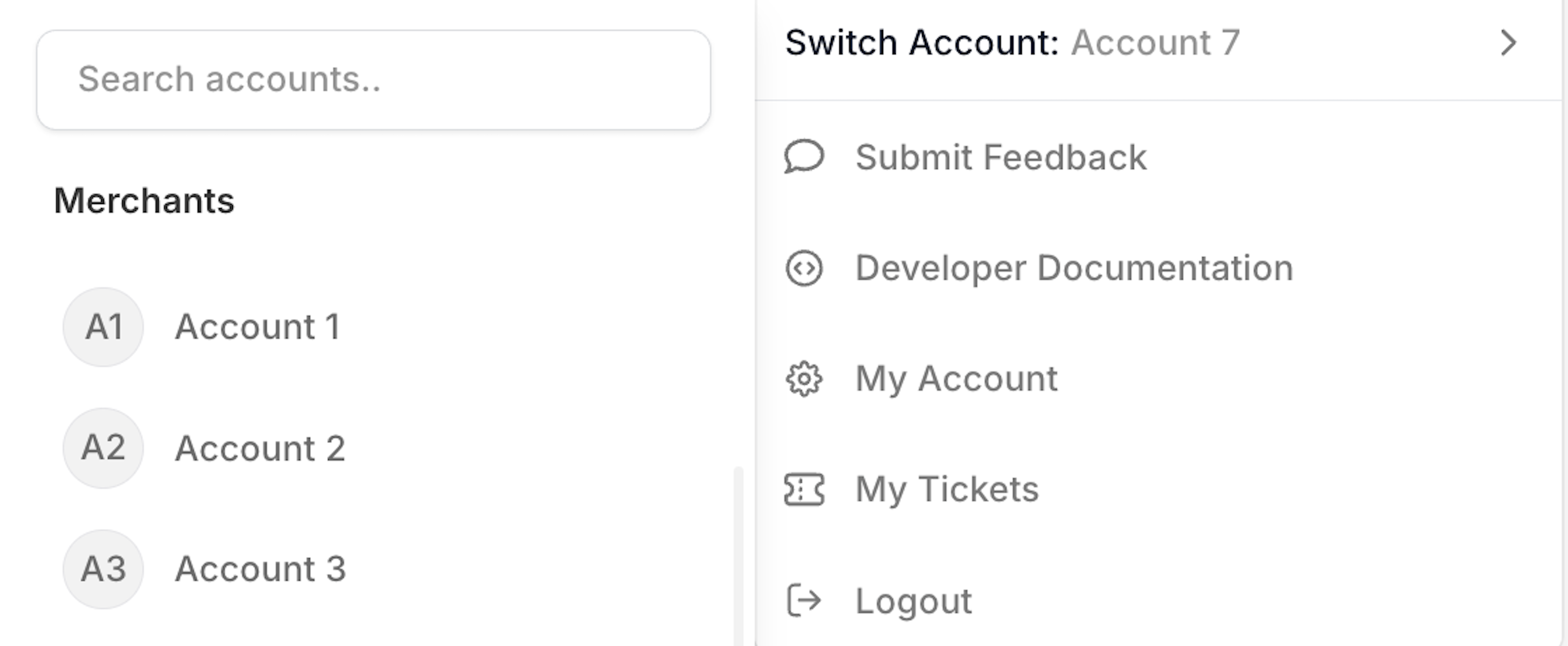
Multiple Accounts Switch .png)
Image Label Appears here
Note: Once you are migrated you cannot use username based login any longer
Google Sign-in Migration
Login to the dashboard with your existing set of credentials
Click on Upgrade to Simplified Login.
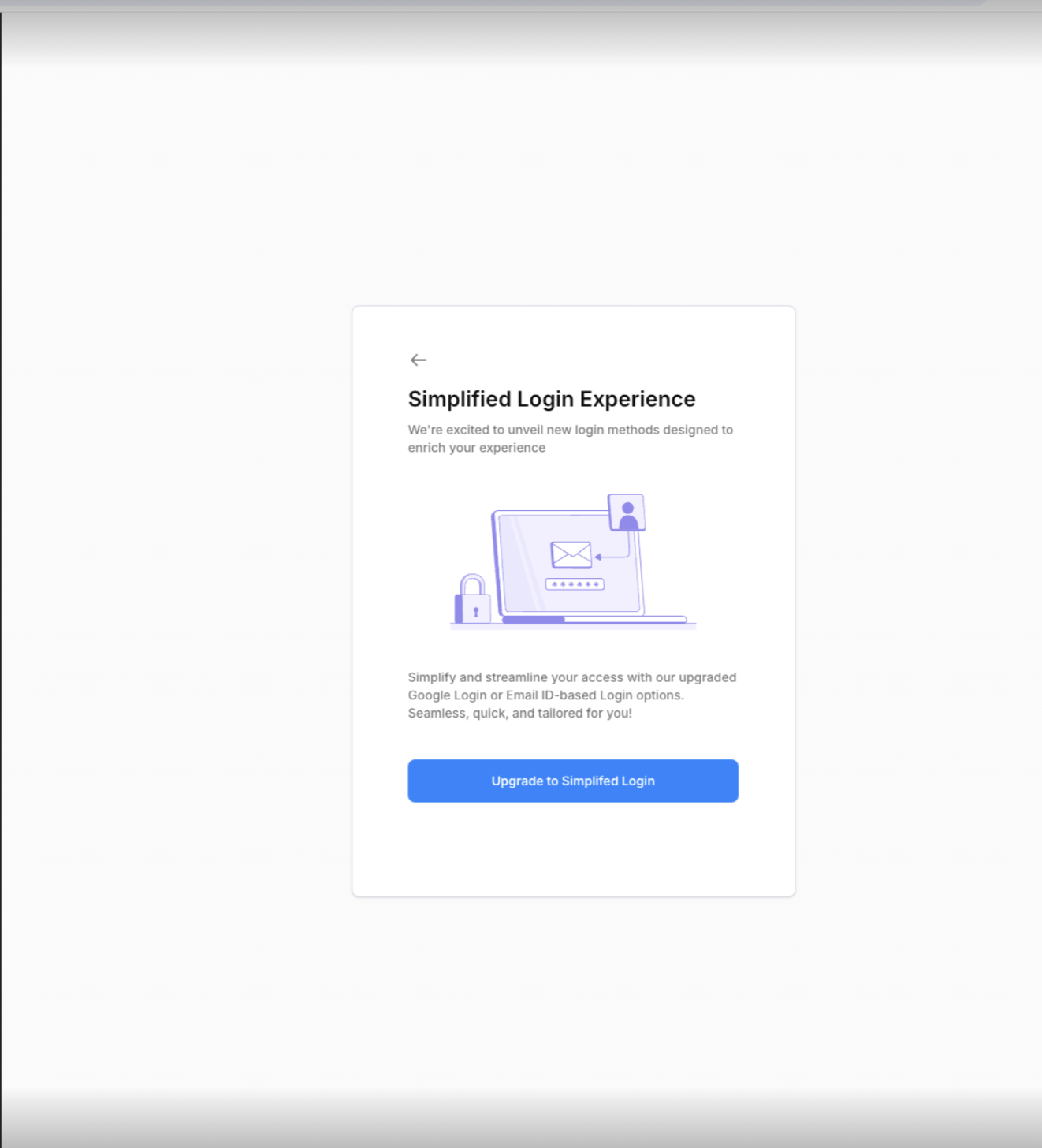
Simplified Login Experience Screen Choose your Google account associated with your dashboard username.
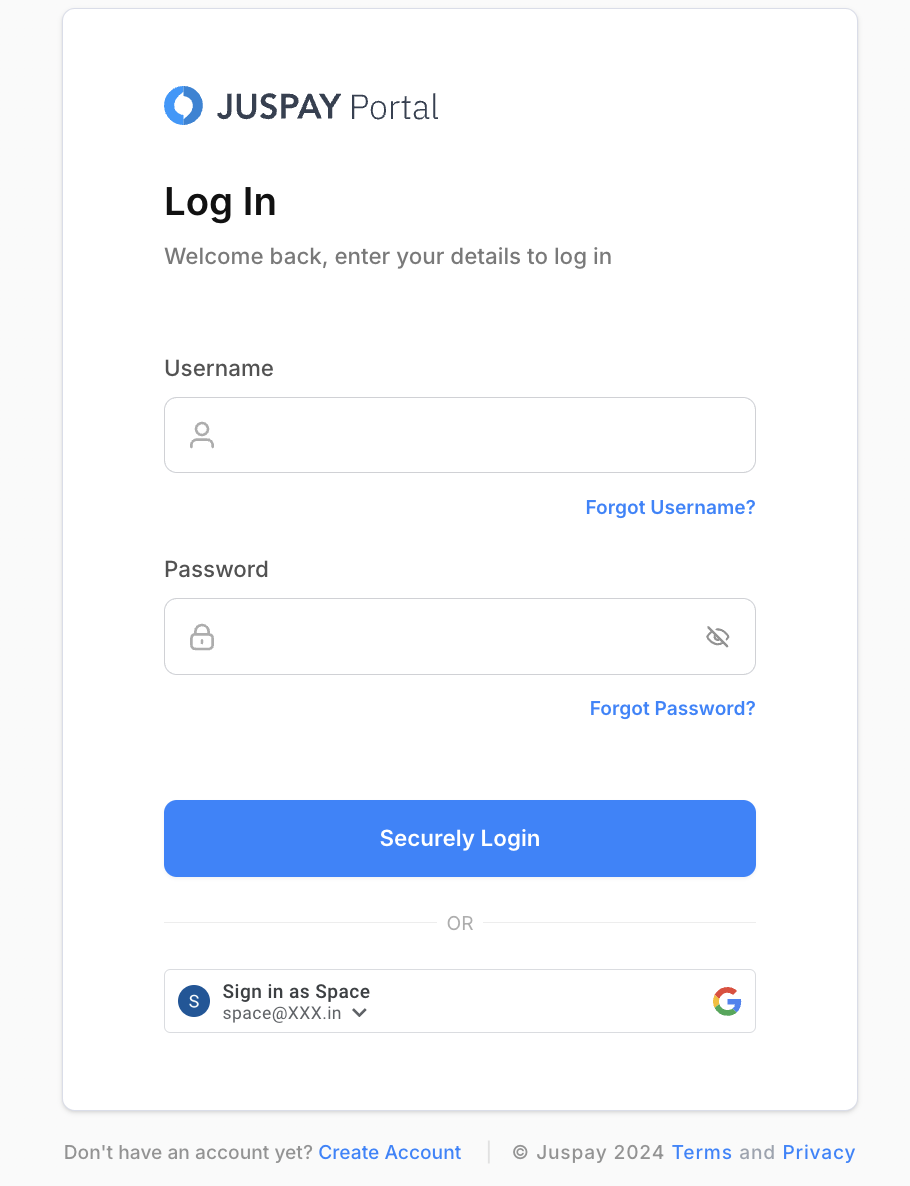
Login Page with Google Sign in Reset 2FA by:
Scanning the QR code displayed on the dashboard with the Authenticator app.
Enter the 6-digit code from the app.
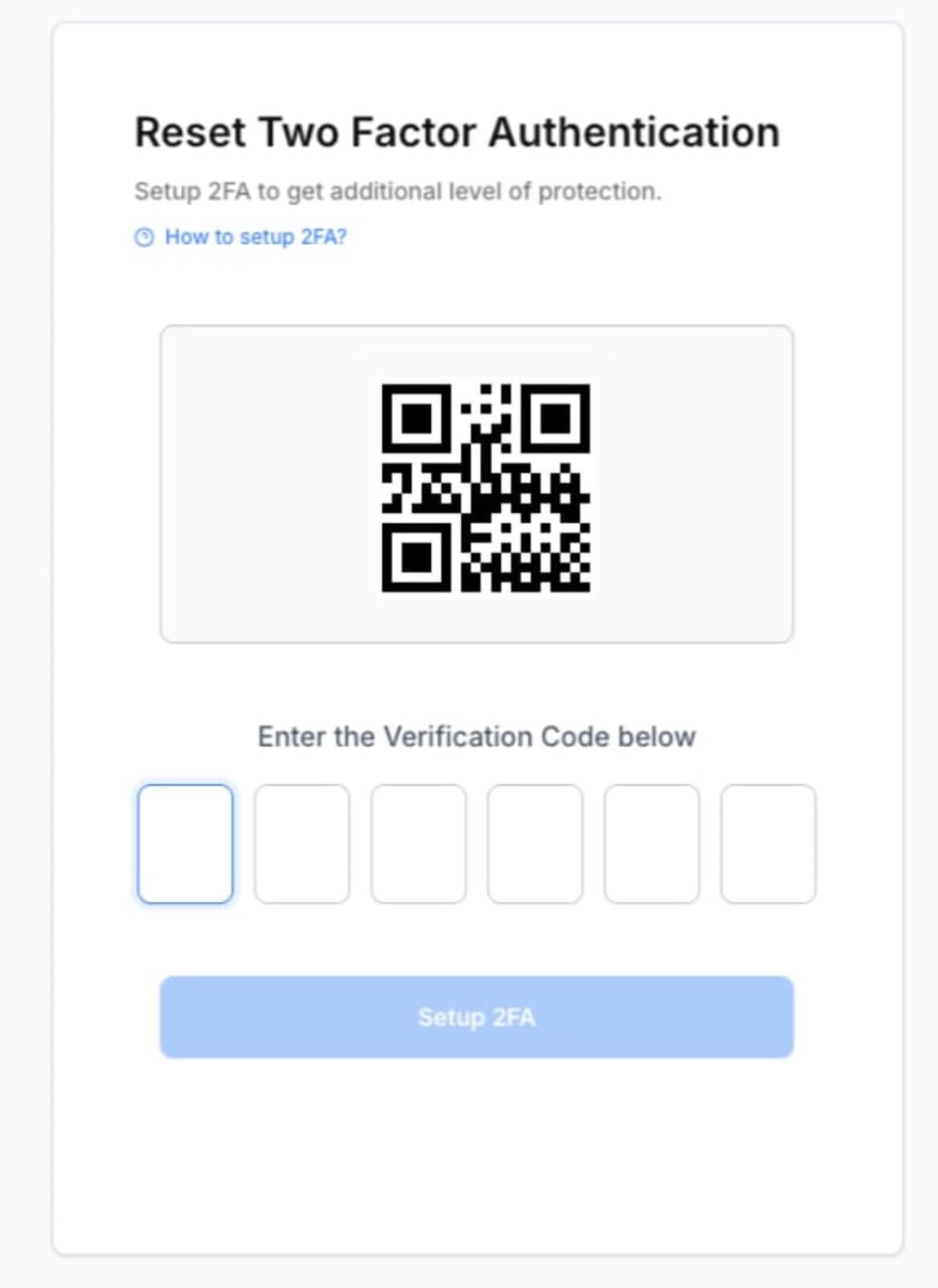
Setup 2FA Screen
Once 2FA is reset, your account is successfully migrated.
From now on, enjoy seamless access with Google Sign-In, linking all your dashboard accounts to one login.
Once you are migrated you cannot use username based login any longer
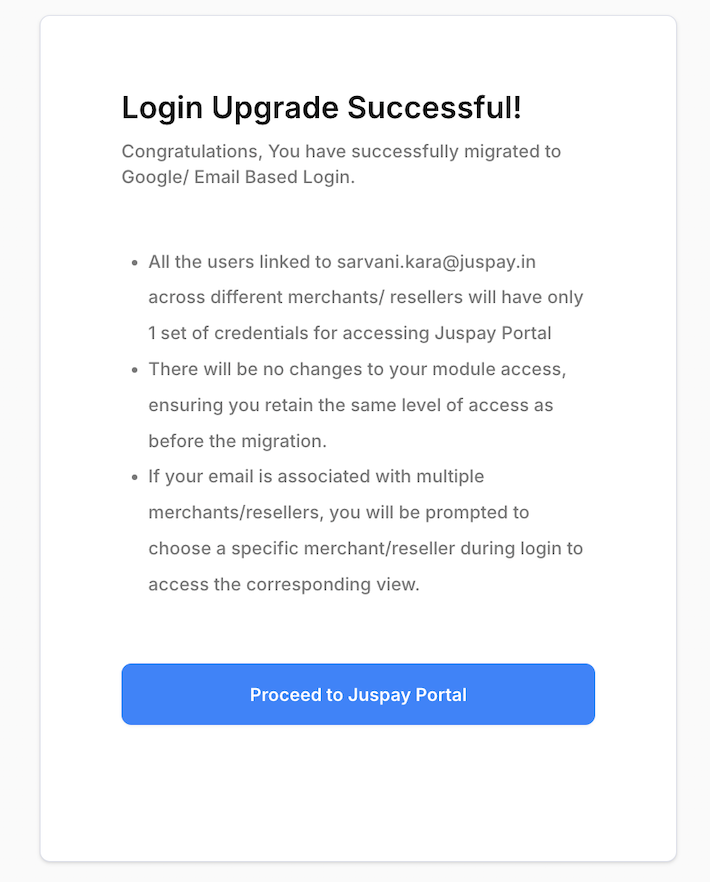
Login Upgrade Succesful Screen Email Address Based Login
Log In: Access the dashboard with your current credentials.
Upgrade: Click on Upgrade to Simplified Login.
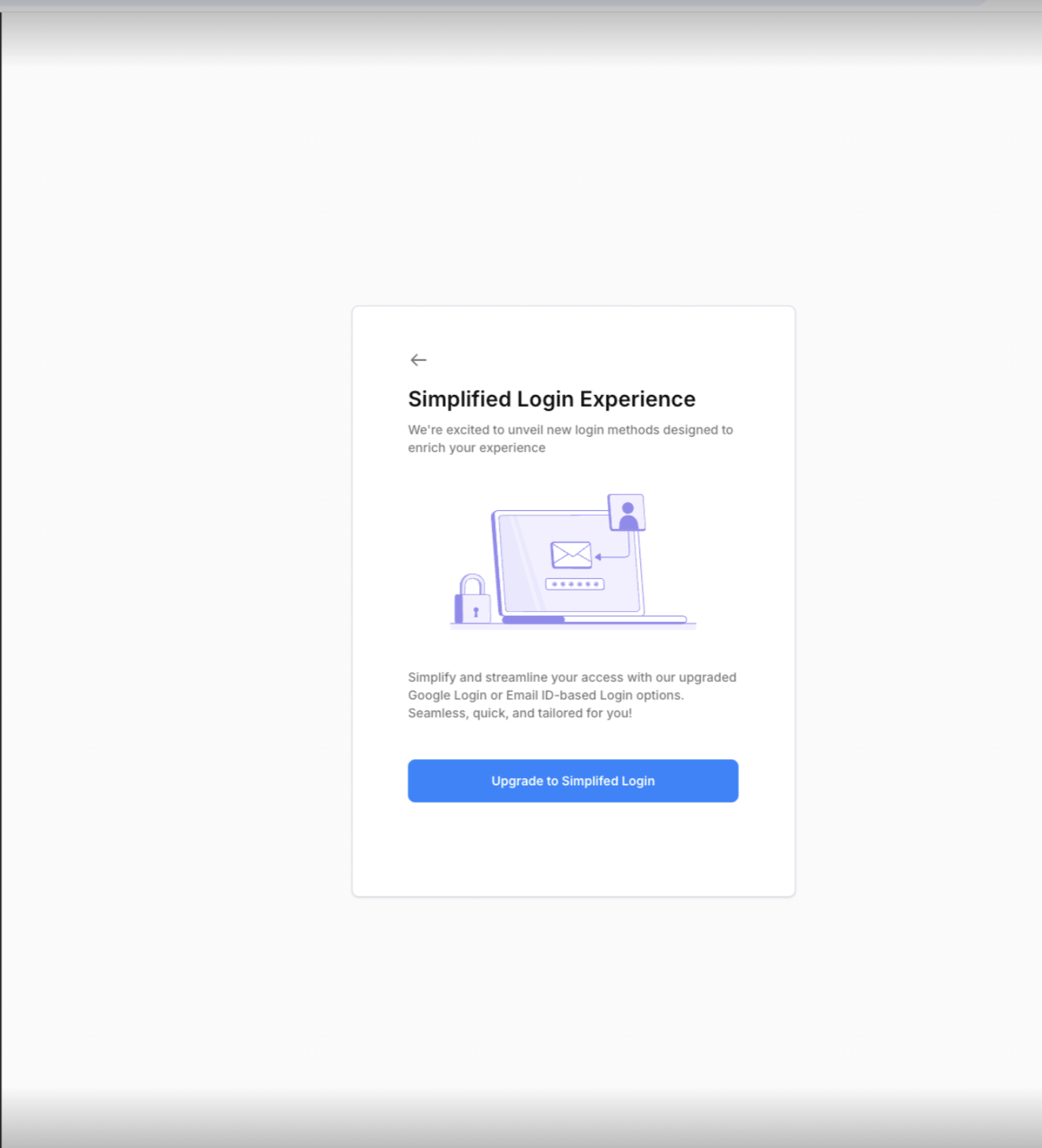
Simplified Login Experience Screen Verify Email: Receive a 6-digit OTP sent to your registered email and verify your identity.
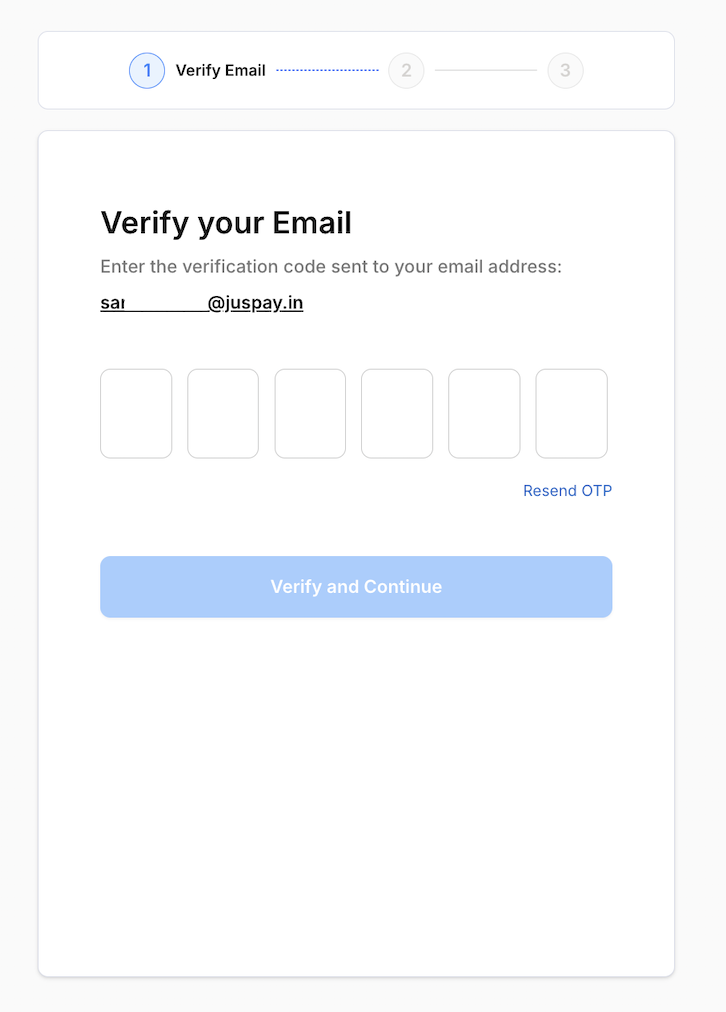
Verify Your Email Screen Reset Password: Update your password to unify access across all your accounts.
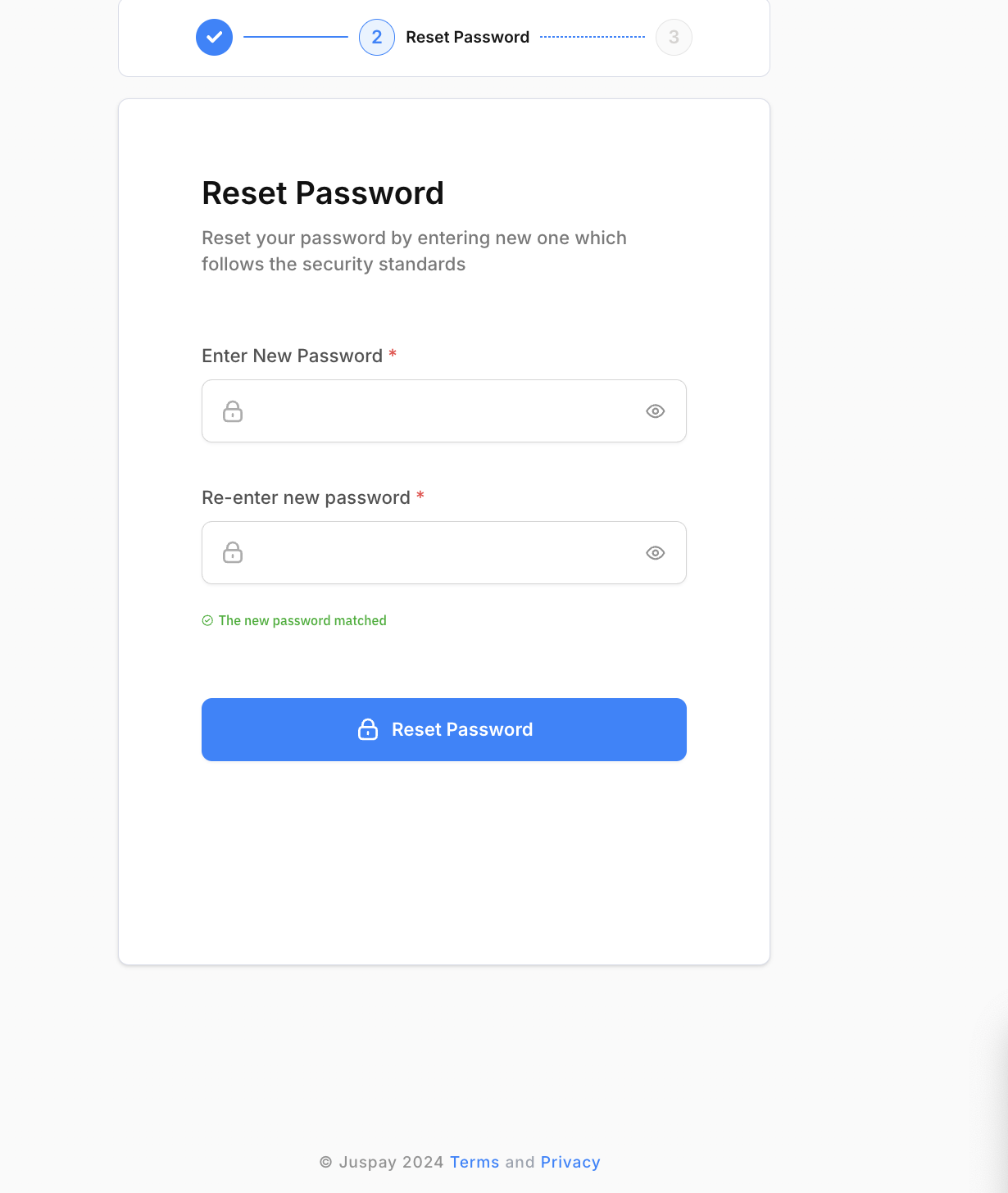
Reset Password Screen Reset 2FA:
Scan the QR code on the dashboard with your Authenticator app.
Enter the 6-digit code from the app.
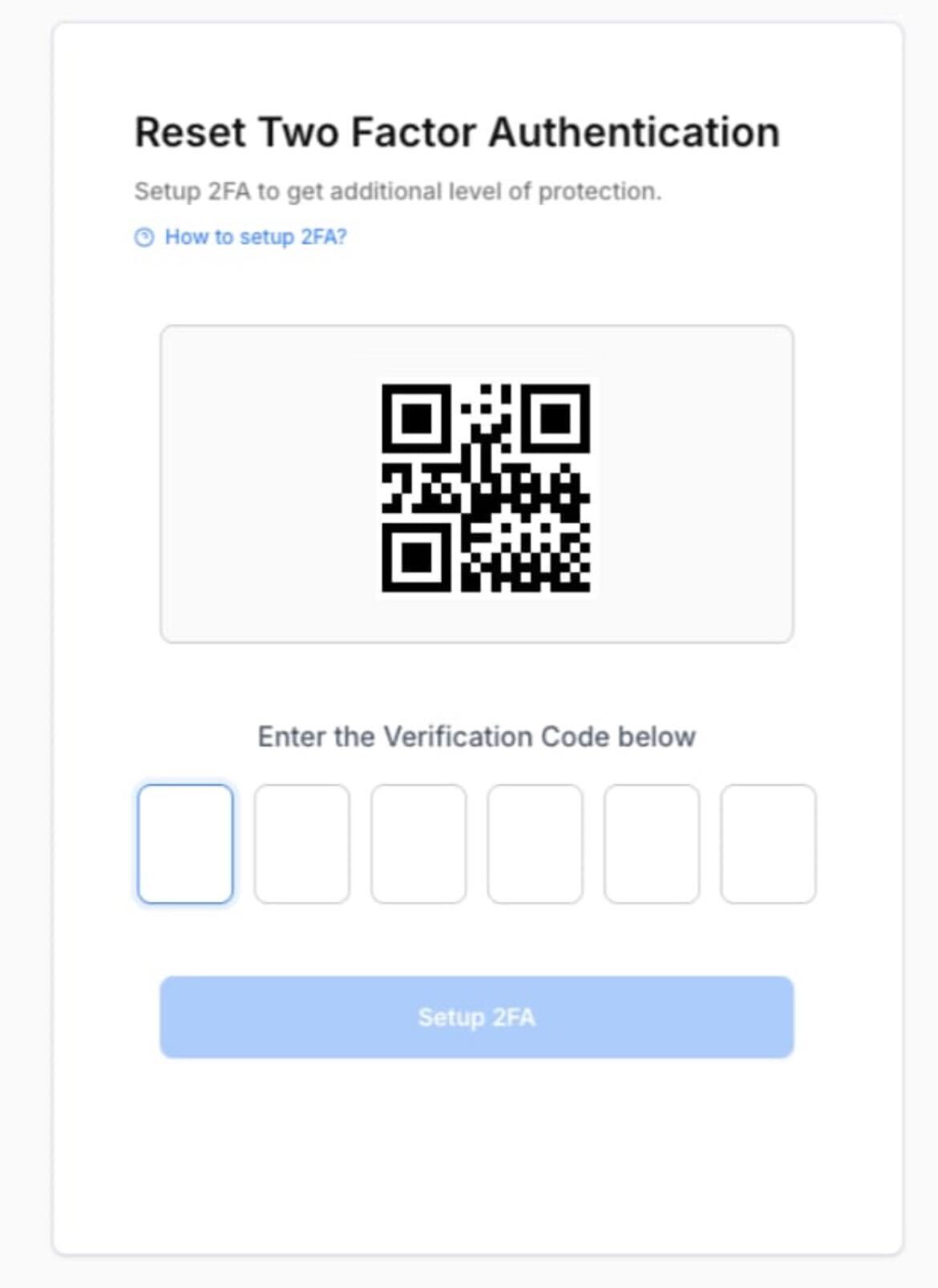
Reset 2FA Screen
Migration Complete: Your account is now successfully migrated.
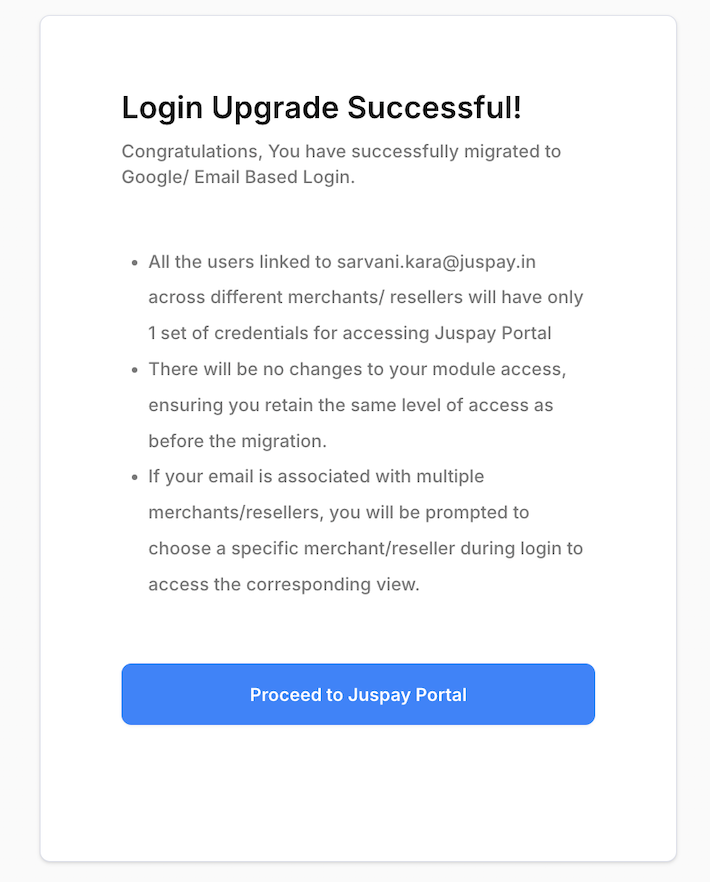
Login Upgrade Succesful Once you are migrated you cannot use username based login any longer
TroubleShooting
If you are encountering the below message. You have to first login with your existing credentials before migrating to new streamlined flow.
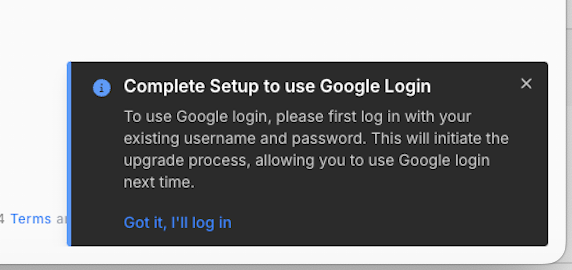
Info Screen
- Have questions?
- Need help? Contact support
- LLM? Read llms.txt
