














Summary
OpenCommerce is a commerce platform processing payments via three processors - two PayPal instances for card payments and Mollie for Klarna (BNPL). Their requirements went beyond standard payment processing: they needed to silently save payment methods during checkout and surface them automatically for returning customers, and they needed a way to automatically recover failed payments without customer intervention.
Juspay Hyperswitch enabled OpenCommerce to configure all three processors as independent connectors under a single integration, customise the SDK to save payment methods silently and display them for returning customers, and activate Smart Retries including Step-Up and Cascading retries to silently recover failed transactions and improve authorization rates.
| What OpenCommerce Needed | What Hyperswitch Delivered |
| Two PayPal instances for card payments and Mollie for Klarna (BNPL) as separate processors | Three independent connectors configured under the same Hyperswitch integration |
| Silently save payment methods and display them for returning customers | SDK configured to save cards without showing checkbox; saved methods surfaced automatically on return visits |
| Automatic recovery of failed payments across processors | Smart Retries - cascading and step-up retry across all three connectors with configurable attempt limits |
Challenges & Solutions
1. Three Processors, One Integration - Two PayPal Instances for Cards, Mollie for Klarna
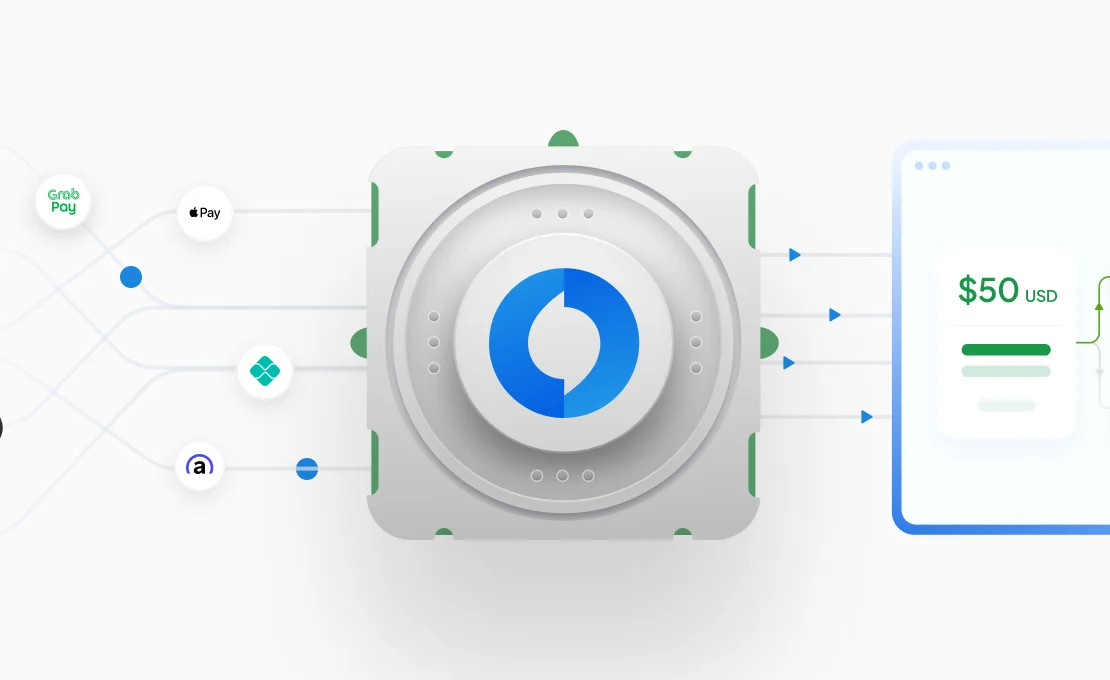
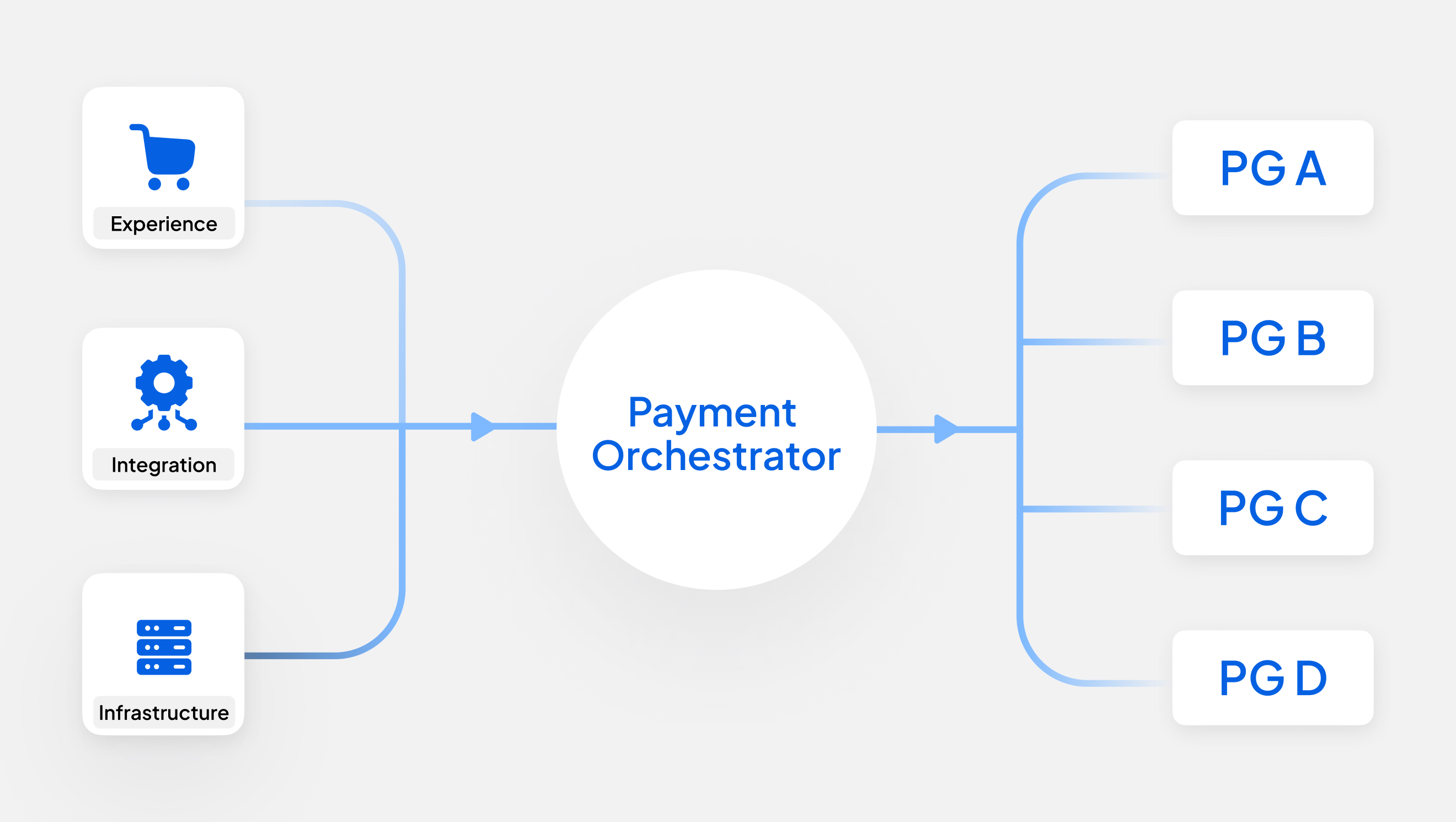
OpenCommerce processes card payments across two separate PayPal accounts and routes Klarna BNPL through Mollie, three distinct processor relationships, each with its own credentials and settlement. Standard payment integrations are built around a single connector per PSP. OpenCommerce needed all three active simultaneously, with payments routed to the right processor based on payment method, without building or maintaining separate integrations for each.
Solution
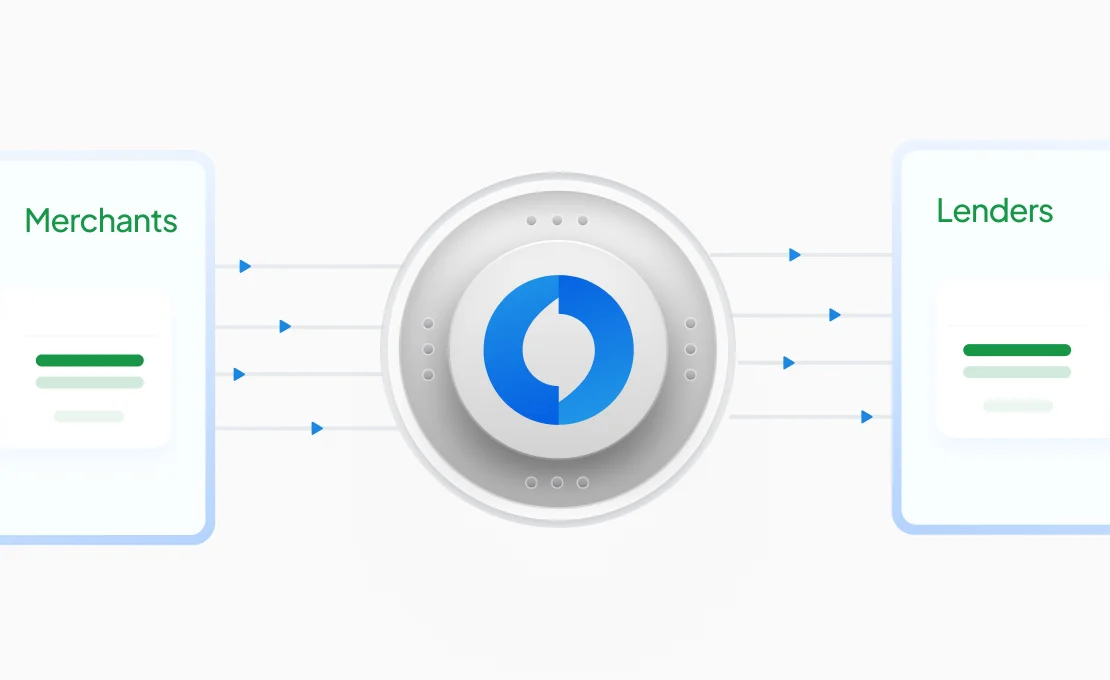
- Hyperswitch supports multiple instances of the same PSP as independent connectors alongside other PSPs each with its own credentials and routing scope. OpenCommerce's two PayPal accounts and Mollie are all onboarded as separate connectors under a single Hyperswitch integration.
- Because each payment method maps naturally to one processor, cards to PayPal and Klarna to Mollie no additional routing rules are needed. Hyperswitch routes each transaction to the correct connector based on the payment method selected at checkout.
- This eliminates the need for OpenCommerce to manage three separate integrations or handle processor-level routing in their own application logic.
Products used: Multi-PSP Orchestration
With the connector setup in place, OpenCommerce needed to solve a UX problem: how to save payment methods quietly during checkout and bring them back automatically the next time the customer returned.
2. Silently Saving Payment Methods and Displaying Them for Returning Customers
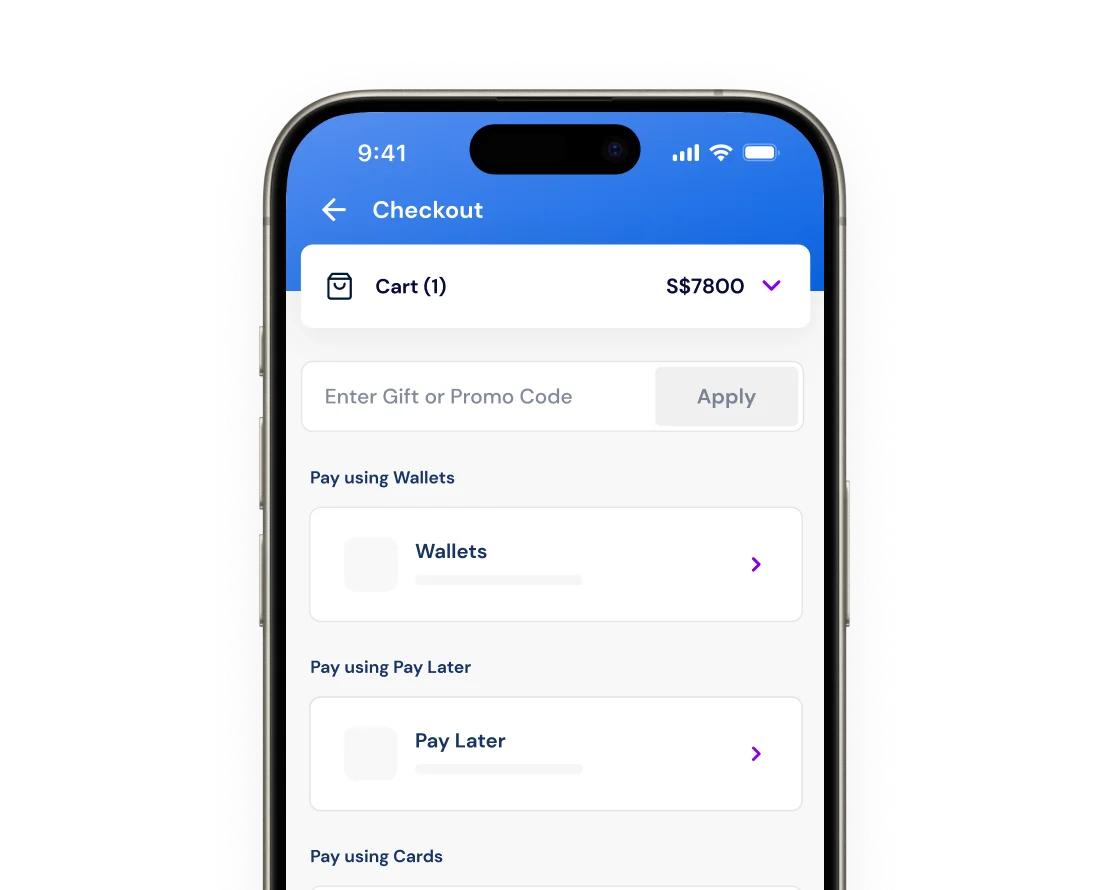
OpenCommerce wanted to offer returning customers a faster checkout by showing their previously used payment methods, cards and BNPL without asking them to re-enter details. The challenge was twofold: the payment method needed to be saved during the initial transaction without presenting a 'Save card' checkbox to the customer, and on subsequent visits those saved methods needed to surface automatically at checkout.
Solution
- Hyperswitch's SDK exposes two independent properties for this: displaySavedPaymentMethodsCheckbox controls whether the save checkbox is shown, and displaySavedPaymentMethods controls whether saved methods are displayed at checkout. OpenCommerce set the checkbox to hidden, cards are saved silently during the transaction while keeping saved method display enabled for returning customers.
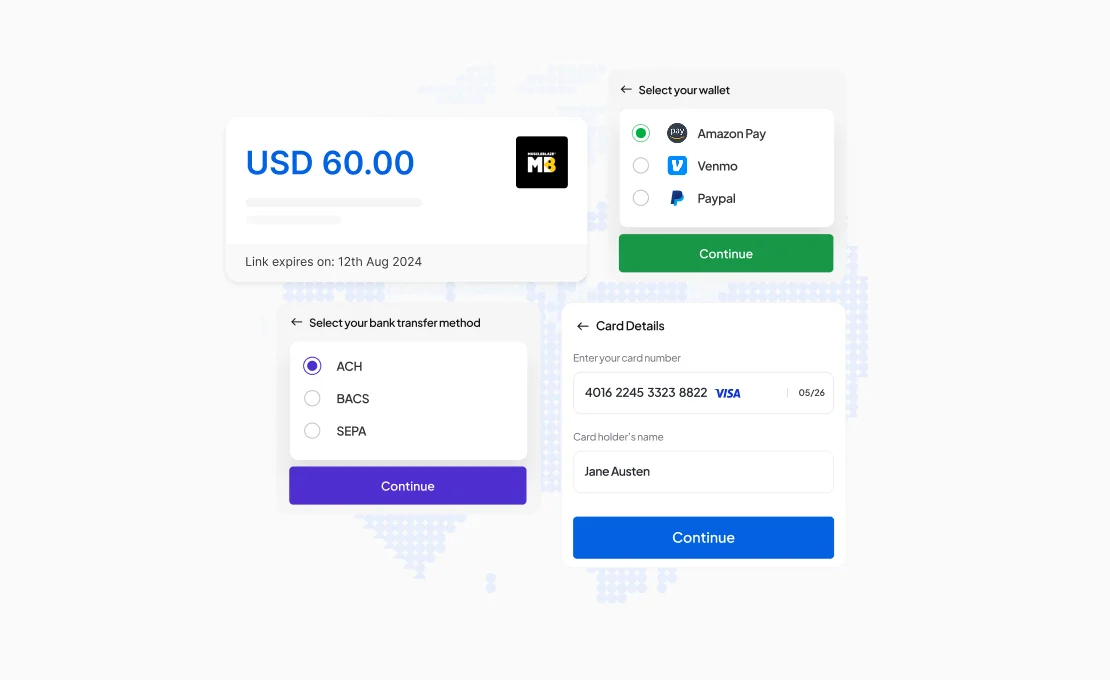
- When a returning customer reaches checkout, the Hyperswitch SDK automatically retrieves their saved cards and BNPL methods using the customer_id passed in the payment creation request and surfaces them in the checkout UI, no additional steps required from OpenCommerce's integration.
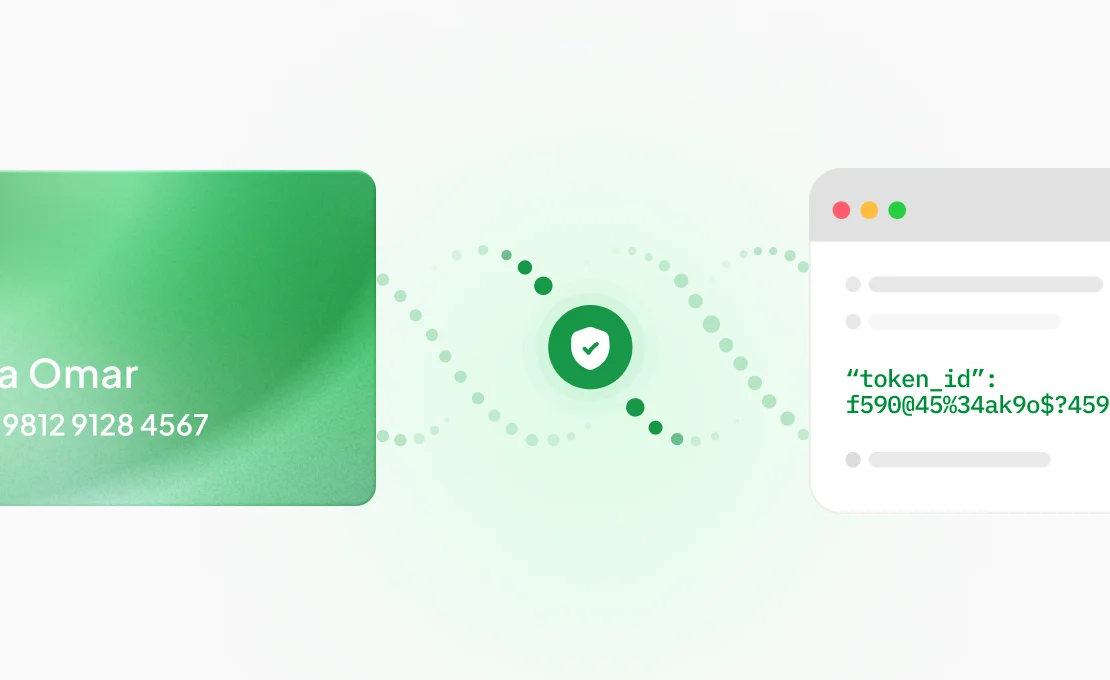
- Payment methods are stored securely in Hyperswitch's PCI-compliant vault, meaning OpenCommerce does not handle or store card data directly.
Products used: Hyperswitch SDK Customisation, Tokenization & Saved Cards
Even with the right payment methods surfaced, failed transactions remained a challenge. A declined payment whether due to a soft decline, a fraud flag, or a network issue typically ends the checkout journey. OpenCommerce needed a way to automatically recover these without involving the customer.
3. Automatic Payment Recovery via Smart Retries
Failed payments are an unavoidable part of payment processing but not all failures are final. Soft declines, suspected fraud flags, and transient network errors are often recoverable if retried with the right approach: a different processor, additional authentication data, or a different network path. Without an automated retry mechanism, OpenCommerce was losing recoverable transactions at the point of decline.
Solution
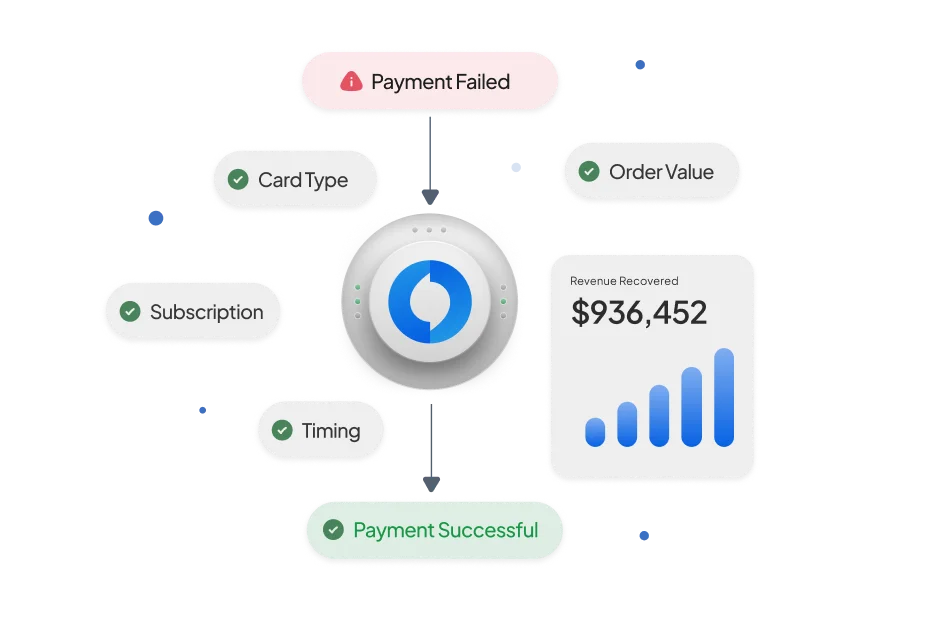
- Hyperswitch's Smart Retry engine activates automatically when a payment fails, determining retry eligibility by looking up the error code in Hyperswitch's Global Status Mapping (GSM) database which covers error codes across 100+ processors and is continuously updated.
- Step-Up Retry: When a payment is declined due to a suspected fraud or SCA (Strong Customer Authentication) requirement, Hyperswitch retries the transaction with 3DS authentication data either through a frictionless flow (no customer action) or a challenge flow and can then cascade to a second processor if the step-up attempt also fails.
- Cascading Retry: When a payment fails with a retriable error (e.g. processor unavailable, generic decline), Hyperswitch retries the transaction against the alternate processor with the same or an enhanced payload silently, with no change to the customer experience.
- All retry attempts are grouped under the same payment_id in Hyperswitch, with attempt numbers appended before passing to the processor preserving reconciliation integrity while keeping the merchant's view clean.
- OpenCommerce configured the maximum number of retry attempts and the eligible retry flows (Step-Up, Cascading) via Hyperswitch's support process, with retry performance visible in the Smart Retries tab in the Analytics section of the Control Center.
Products used: Smart Retries