













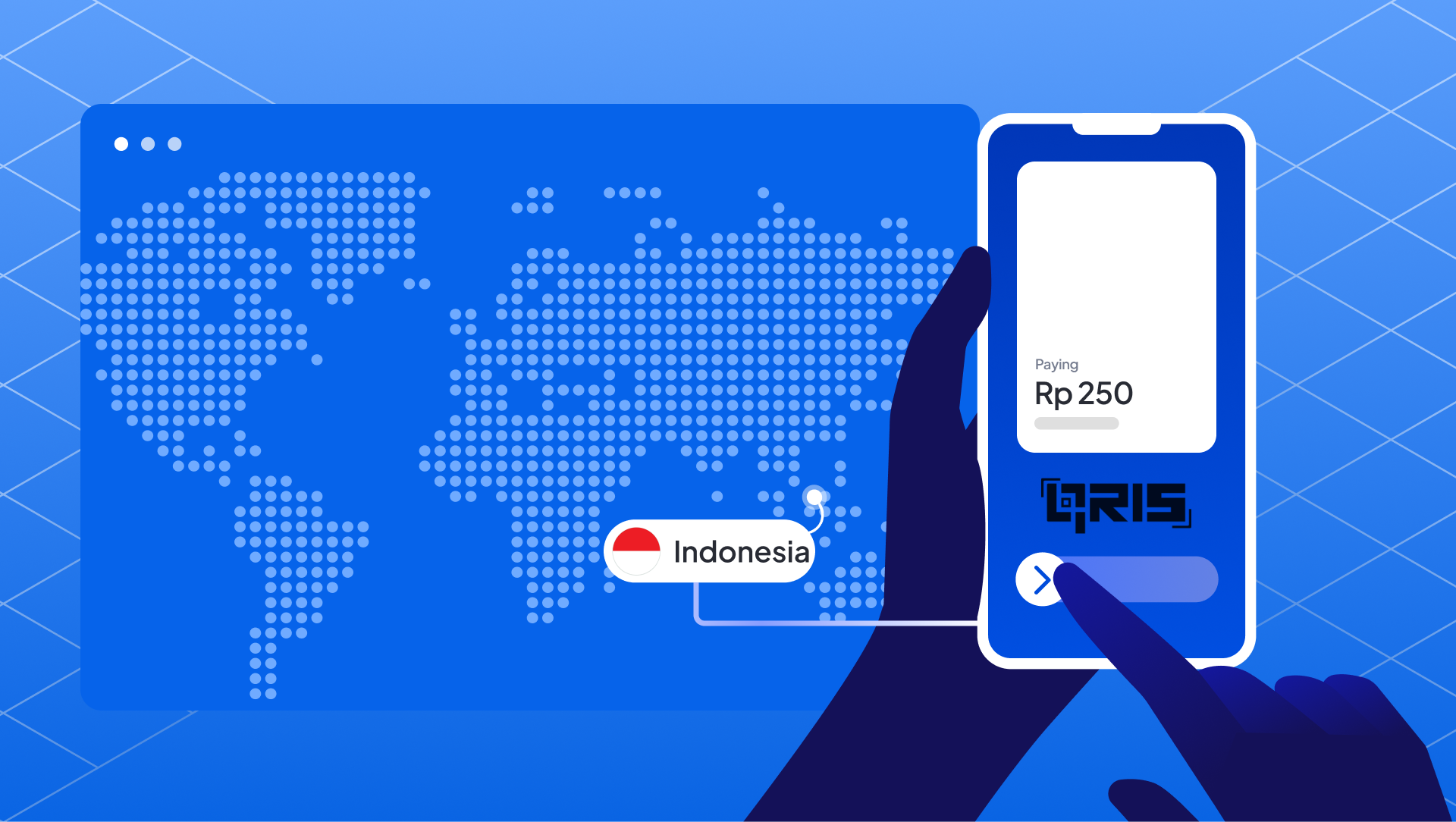
Indonesia's digital payment landscape has transformed over the past few years. Walk into any warung, coffee shop, or shopping mall today, and you’ll find that multiple QR codes have disappeared – replaced by a single, unified QRIS code. Open an e-commerce checkout page, and you'll find QRIS as a payment option alongside credit cards and bank transfers. Before 2019, merchants, both online and offline, had to integrate with multiple QR payment providers separately, creating a fragmented and complicated setup.
QRIS changed all of that by introducing a unified QR payment standard that works across all platforms and channels. Since being introduced in 2019 and becoming mandatory in 2020, QRIS has evolved into one of the key pillars of Indonesia’s cashless transformation.. According to Bank Indonesia, QRIS has shown strong growth in supporting the national digital economy. As of the first semester of 2025, QRIS recorded 6.05 billion transactions with a total value of Rp 579 trillion, reflecting its widespread adoption across the country. More than 42 million merchants now accept QRIS, including street vendors, retail shops, restaurants, and online businesses
For businesses operating in Indonesia, whether running a small retail shop, managing a restaurant, or operating an e-commerce platform, understanding QRIS isn't optional anymore. It's essential. This guide covers everything merchants need to know about QRIS payments, from how it works to implementation across sales channels.
What is QRIS?
QRIS stands for Quick Response Code Indonesian Standard. It's a unified QR code payment system developed by Bank Indonesia in collaboration with the Indonesian Payment System Association (ASPI) and major payment providers in the country.
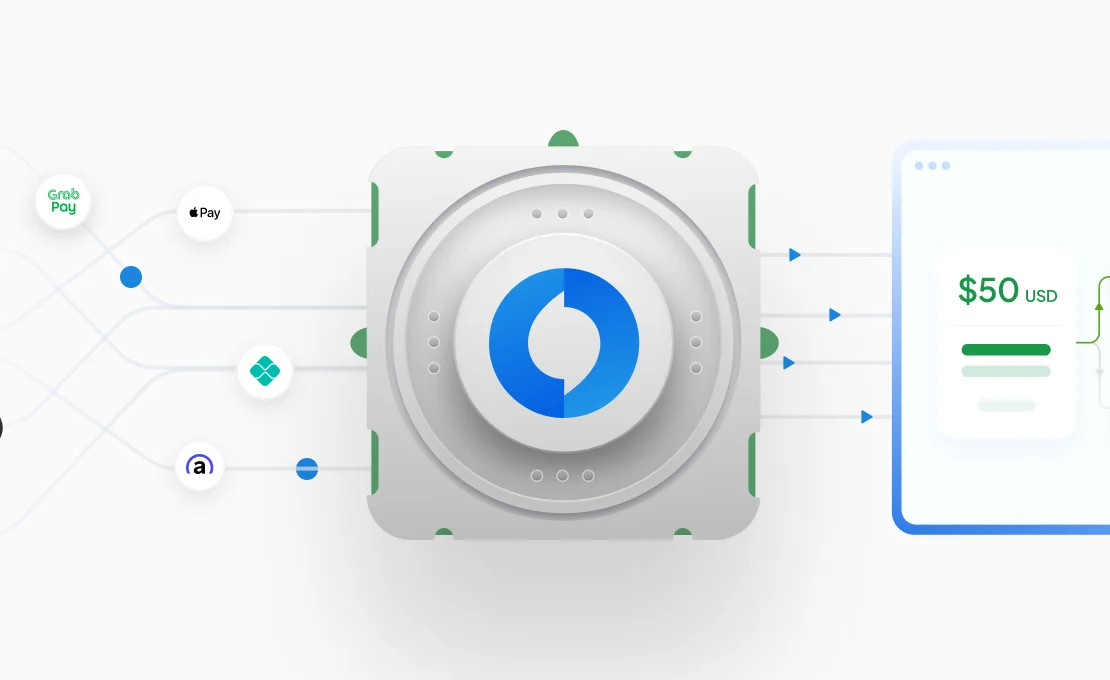
Think of QRIS as the universal adapter for digital payments. Just like how a universal power adapter works with different plug types, QRIS works with different payment apps and e-wallets across all payment scenarios in-store, online, mobile apps, and even for peer-to-peer transfers. The system standardizes how QR code payments are processed across Indonesia, eliminating the need for separate integrations with each payment provider.
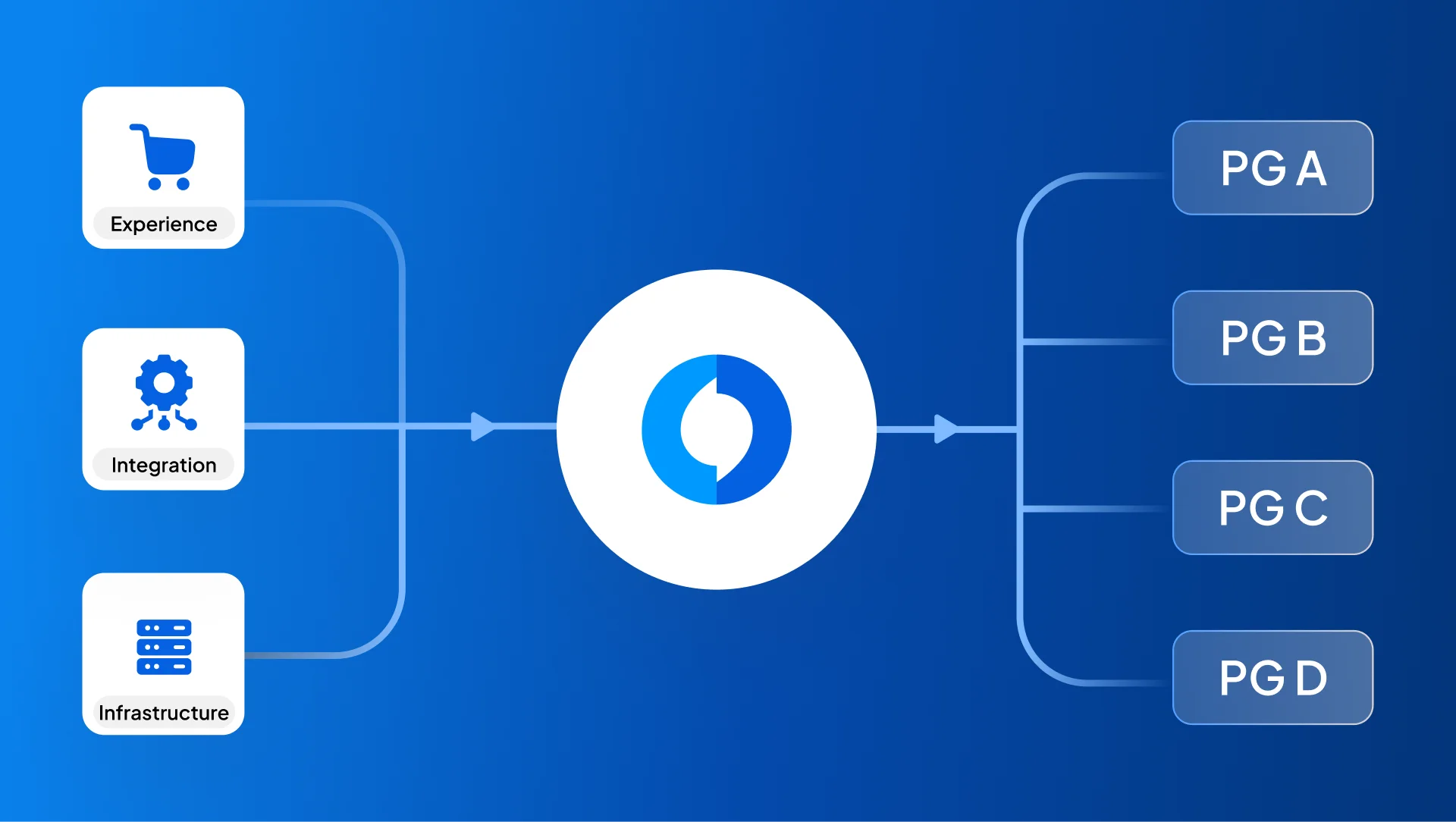
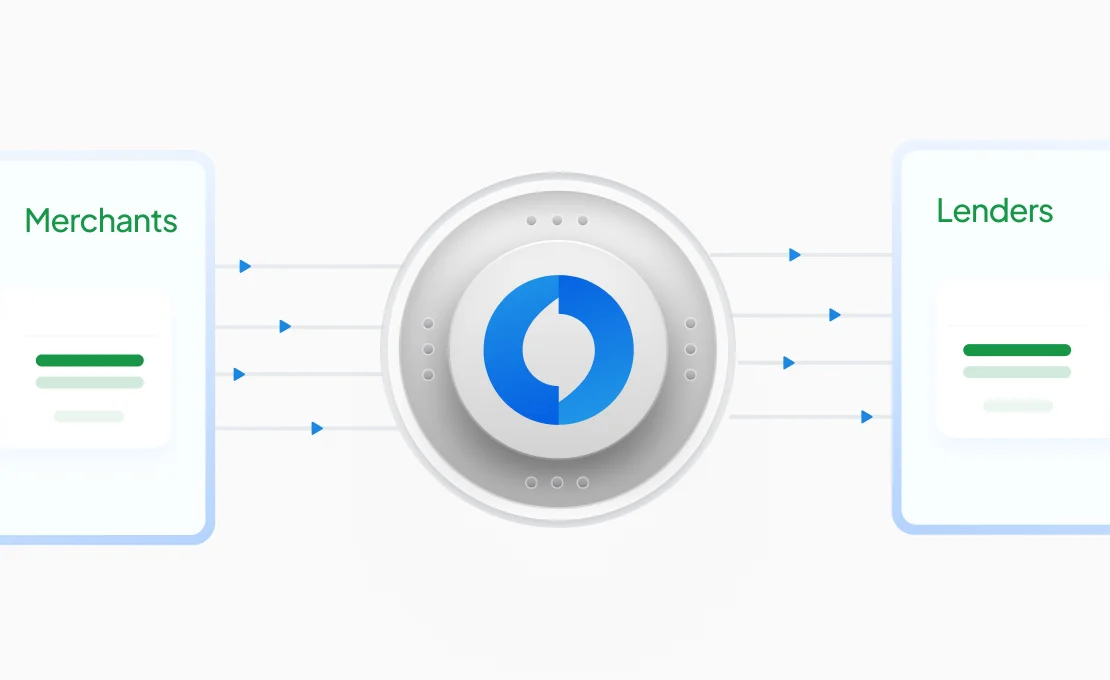
Before QRIS was introduced in 2019, merchants had to integrate separately with each payment provider. Online merchants needed multiple API connections for GoPay, OVO, DANA, ShopeePay, and various banking apps, while offline merchants displayed multiple QR codes at the counter. This created technical complexity, higher operating costs, and confusion for customers.
QRIS solves this problem by providing one standard that works everywhere. Whether customers use GoPay, OVO, Dana, ShopeePay, LinkAja, or a banking app, they can all use QRIS to complete their payment in stores, on websites, or through mobile apps.
Bank Indonesia made QRIS mandatory starting January 1, 2020 for all payment providers to adopt this standard. The goal was simple: make digital payments easier, faster, and more accessible for everyone in Indonesia, regardless of whether they're shopping online or offline.
How Does QRIS Payment Work?
QRIS payments operate through different methods depending on where the transaction happens, but the underlying process remains straightforward and takes just seconds to complete.
In-Store QRIS Payments
For Static QRIS (Merchant-Presented Mode - MPM Static)This is the most common QRIS method, especially for small merchants, like warung, food stalls, cafes etc. How it works:
- The merchant displays their static QRIS code; this could be a printed sticker, tent card or shown on a screen.
- The customer opens their preferred payment app (any QRIS-enabled e-wallet or banking app)
- They scan the merchant's QRIS code using their app's scanner
- The customer manually enters the payment amount
- They confirm the transaction in their app
- Payment completes within seconds, with confirmation sent to both parties.
For Dynamic QRIS (Merchant-Presented Mode - MPM Dynamic)Dynamic QRIS generates a new QR code for each transaction. This method is commonly used by medium and large retail stores, restaurants, cashier systems integrated with POS etc. How it works:
- The merchant enters the transaction amount into their POS system or payment terminal
- A unique dynamic QRIS code is generated for that specific transaction
- The customer scans this dynamic code with their preferred payment app
- The amount is automatically filled in, so they just need to confirm
- Payment completes within seconds, with confirmation sent to both the parties.
For Dynamic QRIS (Customer Presented Mode - CPM)In QRIS Consumer Presented Mode (CPM), the customer displays a QR code from their payment app, and the merchant scans it using a POS terminal or scanner. This method is designed for fast, high-volume transactions such as transportation, parking, and modern retail. How it works:
- The customer opens their payment app and displays their QRIS CPM code
- The merchant scans the customer's QR code using a POS device or scanner
- The transaction details (amount, merchant ID) are sent automatically to the customer
- The customer confirms the payment in their app
- Payment completes within seconds, with confirmation sent to both parties.
Online QRIS Payments
For e-commerce and online transactions, QRIS works slightly differently but just as smoothly:
Method 1: QR Code Display
- Customer selects QRIS as their payment method at checkout
- The website or app generates and displays a unique QRIS code for that transaction
- Customer scans the code using their mobile payment app or they can download the QRIS pictures and upload into the mobile payment app
- They confirm the pre-filled amount
- Website receives instant payment confirmation and completes the order
Method 2: Deep Link Integration
- Customer chooses QRIS at checkout on mobile
- System detects available payment apps on the customer's device
- Customer selects their preferred app
- They're redirected directly to their payment app with transaction details pre-loaded
- Customer confirms with one tap
- They're automatically returned to the merchant's app or website with confirmation
This deep link method is particularly popular for mobile commerce because it eliminates the need for scanning, the entire process happens seamlessly within the app.
What Happens Behind the Scenes
When a customer initiates a QRIS payment, here's the technical journey:
The QR code (or deep link) contains secure, standardized payment data, such as the merchant's ID, transaction details, and routing information. Once scanned or activated, the customer's payment app reads this data and connects to the QRIS switching system operated by authorized payment system operators.
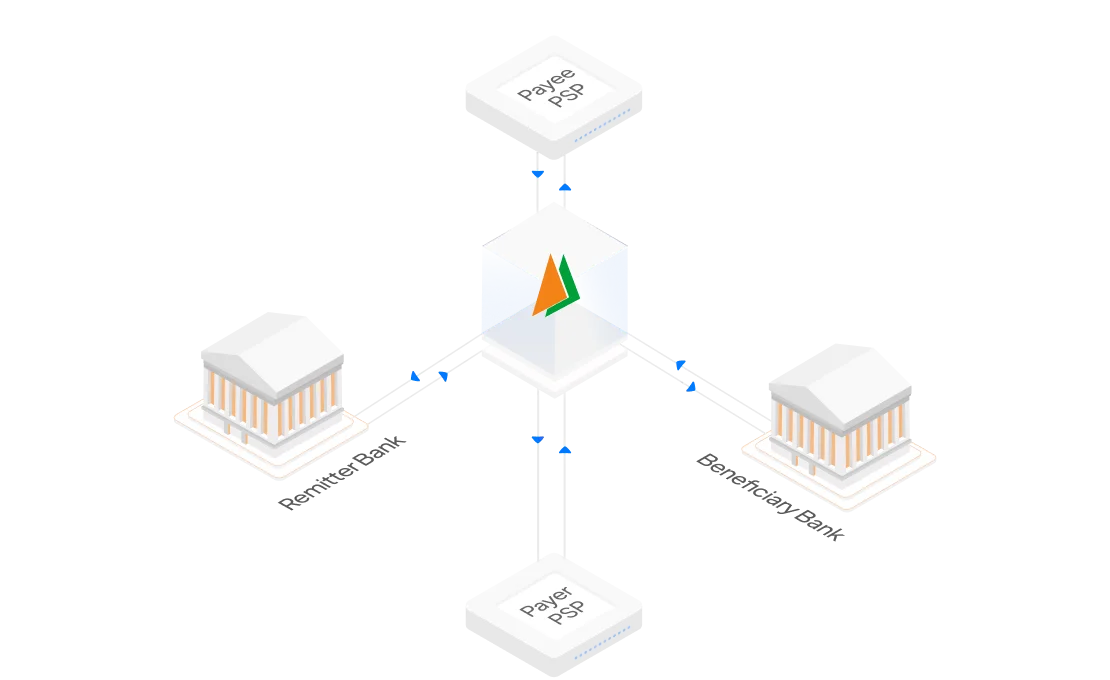
The switching system identifies both the customer’s payment provider (issuer) and the merchant’s acquiring provider. It then routes the payment request between these providers, handles the authorization, and settles the transaction.
For online merchants, there's an additional layer: the payment gateway or PSPs receives the confirmation and communicates it back to the merchant's website or app through webhooks or API callbacks. This triggers real-time order confirmation, inventory updates, and customer notifications.
Bank Indonesia oversees this entire ecosystem, ensuring all providers follow the same standards and protocols whether transactions happen online or offline. This standardization is what makes the interoperability possible across all channels.
Transaction Confirmation
Both merchants and customers receive instant confirmation once a QRIS payment is successful. The customer sees a success message in their app, usually with a unique transaction ID.
For offline merchants, confirmation typically appears on their POS system or merchant application. For online merchants, confirmation is delivered through their payment gateway's dashboard, webhook notifications, and API responses that automatically update order status.
Settlement usually takes 1-2 business days, depending on agreements with payment providers. The funds move from the customer's account through the payment infrastructure and into business accounts automatically.
QRIS Payment Features
QRIS comes packed with features that make it practical for businesses of all sizes and across all sales channels. Let's look at what makes this system work so well.
Universal Compatibility Across All Channels
The standout feature of QRIS is its compatibility across all major payment platforms in Indonesia, with a single QRIS setup, merchants can accept payments from various QRIS payment providers. This includes:
- E-wallets like GoPay, OVO, Dana, ShopeePay, and LinkAja
- Mobile banking apps from Bank Mandiri, BCA, BNI, BRI, and dozens of other banks
- Selected international payment apps that support QRIS for cross-border payments
- Any QRIS-enabled application, whether the customer is in a store or shopping from home
This means merchants do not need separate QR integrations for offline and online channels. One standardized QRIS integration can support multiple payment use cases across different customer touchpoints.
Real-Time Transaction Processing
QRIS transactions process in real-time across all channels. Payments are authorized and confirmed instantly, without end-of-day batch processing delays.
For online merchants, this instant confirmation is crucial. This helps merchants set up systems that can automatically update inventory, send order confirmations, trigger fulfillment processes, and prevent duplicate orders, all based on real-time payment status.
Comprehensive Transaction Tracking and Reporting
Payment providers offer dashboards where merchants can track all QRIS transactions regardless of channel. Available data includes:
- Transaction history with dates, times, amounts, and channels (online vs. offline)
- Customer payment sources (though not personal information)
- Success rates and failed transaction analysis by channel
- Settlement schedules and amounts
- Revenue analytics comparing online and offline performance
- Refund tracking and management
This unified view helps merchants understand their complete sales picture and make informed business decisions across all channels.
Flexible Integration Options
QRIS doesn't lock you into one way of accepting payments:
For Offline:
- Simple printed QR codes for basic setups
- Mobile POS applications on smartphones or tablets
- Traditional POS terminals and EDC machines with QR code display
For Online:
- Pre-built plugins for major e-commerce platforms (Shopify, WooCommerce, Magento)
- Payment gateway SDKs for mobile apps
- Direct API integration for custom websites
- Hosted payment pages for quick implementation
For Omnichannel:
- Unified merchant accounts across all channels
- Single reconciliation process
- Consistent reporting and analytics
Security Features for All Transaction Types
QRIS includes multiple security layers that protect both online and offline transactions:
- Standardized and secured transaction data that is protected against unauthorized modification
- Customer authentication within the payment app, such as PIN, biometrics, or device-based security
- Transaction limits set by payment providers
- Unique transaction IDs that prevent duplicate or unauthorized transactions (especially important for online payments)
- Fraud detection systems monitoring unusual activity across channels
- Secure webhook implementations for online payment confirmations
- Dispute resolution mechanisms through Bank Indonesia's framework
For online transactions specifically, QRIS implementations include additional safeguards like token-based authentication, SSL/TLS encryption, and IP allowlisting for webhook endpoints.
QRIS Payment Benefits
Adopting QRIS brings concrete advantages to business operations, whether a business operates online, offline, or both. Here's what merchants can expect.
Cost Efficiency Across All Channels
Traditional payment methods come with significant costs. Credit card processing typically charges 2-3% in merchant fees. Online payment gateways often charge setup fees, monthly fees, plus transaction fees. Cash handling requires time, security measures, and carries risks.
QRIS transaction fees are generally lower, often ranging from 0.3% to 0.7% depending on payment providers and transaction volume. What's particularly valuable is that this same rate structure typically applies whether customers pay in stores or on websites, merchants don't pay extra for online transactions as they might with other payment methods.
Faster Checkout Experience Everywhere
Speed matters whether customers are shopping in person or online. With QRIS:
In Physical Stores: Customers scan, confirm, and complete payment in under 10 seconds. No fumbling for cash, no waiting for card authorization, no signature required. This faster checkout means merchants can serve more customers during peak hours.
On Websites and Apps: QRIS checkout is often faster than entering card details. Customers don't need to type 16-digit card numbers, expiry dates, CVV codes, and billing addresses. Instead, payments are completed through the customer’s preferred payment app.
For mobile transactions, depending on the setup, customers can simply scan the QRIS with their payment app or they need to download the QRIS image and upload into their payment app, or use a deep link where available.For mobile commerce especially, QRIS deep linking creates an incredibly smooth experience, customers can complete checkout without ever leaving the app environment or struggling with small form fields on mobile keyboards. This reduced friction leads to fewer abandoned carts and higher conversion rates
Improved Cash Flow Management
Digital payments through QRIS create an automatic digital record of every sale across all channels. This real-time visibility helps with:
- Unified sales tracking without manual counting or separate systems
- Better inventory decisions based on actual sales data from all channels
- Easier accounting and bookkeeping with consolidated reports
- Simplified tax reporting with complete digital transaction records
- Reduced discrepancies between recorded and actual sales
For online businesses specifically, QRIS eliminates the complexity of tracking multiple payment methods. Instead of reconciling credit cards, bank transfers, and various e-wallets separately, merchants have one consolidated QRIS report.
Settlement to the merchant’s bank account happens automatically within 1-2 business days for both online and offline transactions. No more chasing bank transfer confirmations from customers or dealing with payment proof verification.
Higher Conversion Rates for Online Businesses
Many Indonesian consumers prefer using e-wallets and banking apps they already have installed rather than entering credit card information. By offering QRIS, merchants meet customers where they already are.
Data from various e-commerce merchants shows that offering QRIS as a payment option can increase conversion rates by 10-25%, particularly for mobile shoppers. The simplified checkout process removes friction points where customers might otherwise abandon their carts.
For first-time customers especially, QRIS creates less hesitation than providing credit card details to an unfamiliar website.
Simplified Multi-Channel Operations
For businesses that operate in both online and offline stores, QRIS simplifies their payment infrastructure:
- One merchant account for all channels
- Single integration effort that works everywhere
- Unified reconciliation process instead of separate accounting for each channel
- Consolidated reporting and analytics
This operational efficiency is particularly valuable for growing businesses expanding from offline to online (or vice versa).
Access to Comprehensive Customer Insights
While QRIS protects customer privacy, payment providers offer valuable aggregate data across all channels. Merchants can see:
- Which channels drive more QRIS usage (online vs. offline)
- Peak transaction times throughout the day for different channels
- Average transaction values by channel
- Payment trends comparing online and offline sales
- Customer journey patterns (some customers might discover businesses online but prefer to visit in person, or vice versa)
These insights help optimize operations across all channels; businesses know when to staff up physical locations, which products sell better online, how to structure promotions for different channels, and where to focus growth investments.
Scalability Across Channels and Locations
QRIS grows with businesses seamlessly:
- Start with a simple printed QR code at one physical location
- Add an online store without new payment integrations
- Expand to multiple physical branches without complicated setup
- Launch a mobile app using the same payment infrastructure
- Add new sales channels - delivery services, social commerce, mobile carts using QRIS
For multi-location or multi-channel businesses, centralized management through payment provider dashboards means monitoring everything from one place. Add physical locations, launch new online properties, or expand into new channels without renegotiating contracts or changing technical infrastructure.
Adopting QRIS Payments
Getting started with QRIS is more straightforward than most businesses expect, regardless of whether you're operating online, offline, or both. Here's how merchants can begin using the system.
For Businesses and Merchants
Step 1: Choose Your Payment Provider
The first decision is selecting which payment service provider (PSP) to work with. Options include:
- Banks (BCA, Mandiri, BNI, BRI, etc.)
- E-wallet providers (GoPay, OVO, Dana)
- Payment gateway companies (Xendit, Midtrans, Doku, Faspay)
- Point-of-sale system providers
Compare these factors when choosing:
| Factor | What to Consider |
| Transaction Fees | Range from 0% to 0.7%, with volume discounts |
| Settlement Speed | Usually T+1 or T+2 days |
| Channel Support | Offline only vs. full omnichannel capability |
| Integration Options | QR codes, APIs, mobile SDKs, e-commerce plugins |
| Support Services | Technical help, training, dispute handling |
| Dashboard Features | Reporting tools, multi-channel analytics, refund management |
| E-commerce Compatibility | Pre-built plugins for your platform, API documentation quality |
| Technical Support | Developer assistance for online integrations |
For online merchants specifically, prioritize providers with:
- Strong API documentation and developer resources
- Webhook reliability for real-time payment updates
- E-commerce platform plugins (if you use Shopify, WooCommerce, etc.)
- Mobile SDK support if you have apps
- Sandbox environments for testing
Don't just pick the cheapest option. For online businesses especially, technical support quality and integration reliability matter more than saving 0.1% on fees. A poorly implemented payment system leads to lost sales.
Step 2: Register and Complete Documentation
Once a provider is selected, businesses need to register. The typical requirements include:
For all businesses:
- Business registration documents (NIB, SIUP, or TDP)
- Tax identification number (NPWP)
- Owner's identity card (KTP)
- Business bank account information
For online businesses, you may also need:
- Website URL and verification
- Business email and phone number
- Estimated monthly transaction volumes
- Description of products/services sold
- For apps: links to App Store/Play Store listings
For small businesses or individual merchants, requirements are usually simpler, sometimes just your KTP and bank account. The verification process typically takes 1-3 business days, though it can be faster with some providers.
Step 3: Choose Your Integration Method
This step differs significantly based on business model:
For Physical Stores:
Merchants will receive their QRIS code in formats like:
- Printed stickers for display at your counter
- Digital files to print yourself or display on screens
- POS terminal integration if you use supported hardware
For Online Businesses:
Providers will offer several integration options:
- Payment Gateway Plugins (easiest)
- Pre-built plugins for Shopify, WooCommerce, Magento, PrestaShop
- Install the plugin, enter merchant credentials, activate QRIS
- Takes 15-30 minutes for basic setup
-
- Hosted Payment Page (simple)
- Provider hosts the payment page
- Redirect customers to this page at checkout
- Customer completes payment and returns to the site
- Minimal technical work required
-
- API Integration (most flexible)
- Direct integration with website or app code
- Full control over checkout experience
- Requires developer expertise
- Implementation time: 1-5 days depending on complexity
-
- Mobile SDK (for apps)
- Native iOS and Android SDKs
- Enables deep linking for seamless app-to-app payment
- Requires mobile developer implementation
-
For Omnichannel Businesses:
Businesses will implement both offline and online methods using the same merchant account. Most providers give:
- Physical QR codes for stores
- API credentials for websites
- Unified dashboard showing all transactions
Step 4: Implement and Test
For Offline Implementation:
- Display your QRIS code visibly at payment counters
- Test with small transactions from your own payment apps
- Verify you receive notifications and dashboard updates
- Train staff on verifying successful payments
For Online Implementation:
- Set up your integration in a test/staging environment first
- Complete test transactions using sandbox credentials
- Verify webhooks correctly update order statuses
- Test failure scenarios (declined payments, timeouts)
- Check mobile responsiveness if applicable
- Ensure proper error handling and user messaging
- Only move to production after thorough testing
Most payment providers offer sandbox environments that simulate real transactions without processing actual money. Use these extensively before going live.
Step 5: Display and Promote
For Physical Locations:
- Place QRIS codes at eye level near payment counters
- Include signage: "We Accept All Digital Payments via QRIS"
- Add it to receipts or invoices
- Train staff to guide customers on using QRIS
For Online Channels:
- Display QRIS prominently among payment options at checkout
- Use clear icons and descriptions
- Add it to your website footer: "Payment Methods Accepted"
- Mention it in marketing emails or social media
- Include it in your FAQ: "What payment methods do you accept?"
- For mobile apps, promote the seamless app-to-app payment experience
Consider A/B testing the placement and messaging of QRIS in your checkout flow to optimize conversion rates.
Step 6: Train Your Team
For Physical Store Staff:
- How to guide customers through scanning codes
- Verifying payment confirmation before completing sales
- Handling failed transactions
- Where to check transaction history
- Who to contact for technical problems
For Online Support Teams:
- How QRIS payment flow works on your website/app
- Common issues customers face (QR code not displaying, timeouts)
- How to verify payment status in dashboard
- Refund processes for QRIS transactions
- Escalation procedures for payment disputes
Create quick reference guides for both audiences. For online businesses, include this in your customer support knowledge base.
Step 7: Monitor and Optimize
After launching QRIS payments:
For All Channels:
- Check your dashboard regularly for transaction patterns
- Monitor settlement times to ensure funds arrive as expected
- Track any failed transactions to identify issues
- Gather customer feedback about the payment experience
For Online Specifically:
- Monitor conversion rates at checkout by payment method
- Track abandonment rates - are customers dropping off at QRIS payment?
- Analyze mobile vs. desktop QRIS usage
- Check webhook reliability and response times
- Monitor API error rates and response times
- Compare QRIS performance against other payment methods
For Omnichannel:
- Compare QRIS adoption rates across channels
- Analyze whether online customers also use QRIS in physical stores
- Look for cross-channel patterns in customer behavior
- Evaluate whether unified payment options improve customer loyalty
Use this data to refine your approach. If online conversion is lower than expected, you might need clearer instructions, better mobile optimization, or faster payment page loading. If physical store adoption lags, improve signage or staff training.
Conclusion
QRIS has become one of the key pillars of Indonesia’s payment system transformation, reshaping how businesses and consumers transact across channels; from traditional brick-and-mortar stores to cutting-edge e-commerce platforms and mobile apps. What started as a solution to QR code fragmentation has become the standard for digital payments throughout the country, bridging the gap between physical and digital commerce.
For businesses, especially those operating in multiple channels, QRIS offers an accessible entry point into unified digital payments without heavy upfront investment or technical complexity. Whether you're a street food vendor starting with a printed QR code, an online boutique launching your first website, or an established retailer managing both physical stores and e-commerce operations, QRIS scales to meet your needs.
The benefits are clear and measurable: lower costs than traditional card payments, faster transaction processing both online and offline, better cash flow visibility across all channels, reduced handling of physical cash, and simplified payment infrastructure for omnichannel operations. Customers appreciate the convenience of using their preferred payment app consistently, whether they're shopping in your store, on your website, or through your mobile app.
Getting started doesn't require extensive technical knowledge or significant capital investment. You can begin with a simple printed QR code for in-store payments and gradually expand to online integration as your business grows. The infrastructure is already in place, standardized under Bank Indonesia’s national payment framework, and widely supported by banks and payment service providers across Indonesia.
As Indonesia continues moving toward a cashless economy, QRIS adoption will only accelerate across all commerce channels. Mobile commerce is growing rapidly, and consumers increasingly expect seamless payment experiences whether they're shopping in person or online. Businesses that embrace this unified payment method now position themselves ahead of the curve, meeting customer expectations and building the operational foundation for future growth.
The question isn't whether to adopt QRIS, it's how quickly you can integrate it across all your sales channels. With millions of merchants already accepting QRIS both online and offline, and transaction volumes growing every month, the time to start is now. Whether you operate a single retail location, an online store, or a complex omnichannel business, QRIS offers a payment solution that works everywhere your customers want to shop.